

Review of Wi-Fi router TP-Link EC220-G5: for large and small
26.04.21 17,208
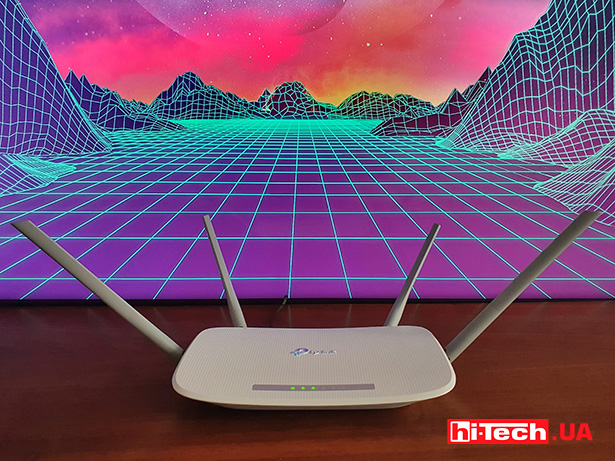
The popularity of TP-Link routers is so high that the company’s devices are readily chosen by users and companies. Today we’ll talk about the EC220-G5 model, which, in addition to good technical capabilities, offers additional settings for provider support services.
About the device
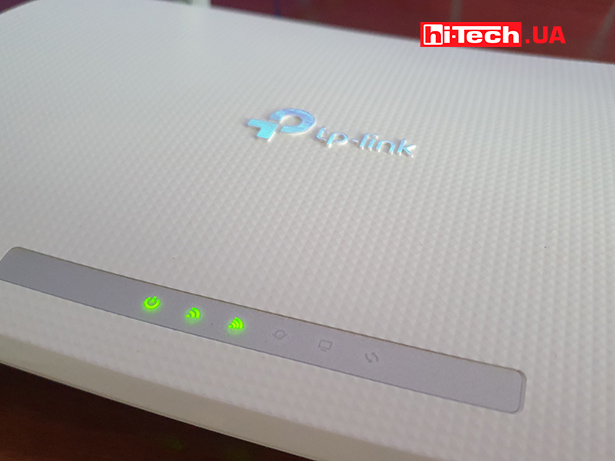
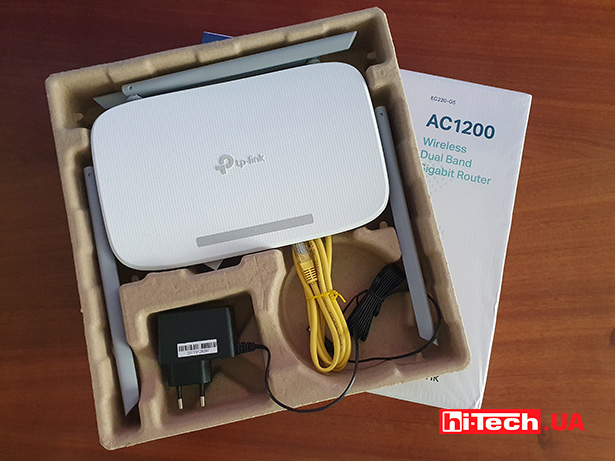
The TP-Link EC220-G5 is an affordable dual-band wireless gigabit router. It comes in an elegant and compact white body with four external antennas. In general, outwardly nothing indicates any specialized readiness of the model. The wavy top panel combines the company logo and indicator lights for the operation of all systems. Operation in two networks, at a frequency of 2.4 and 5 GHz, is indicated by two separate LEDs.
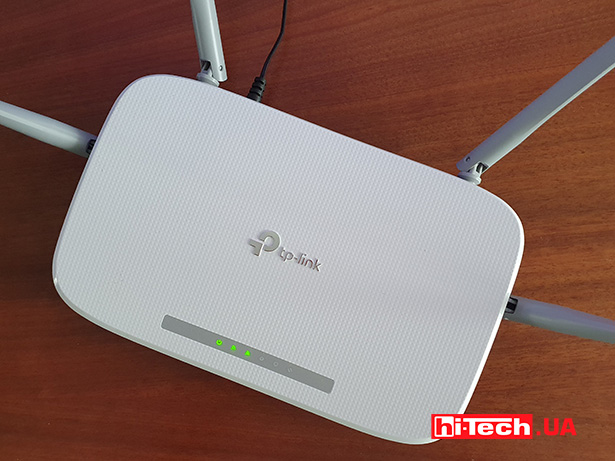
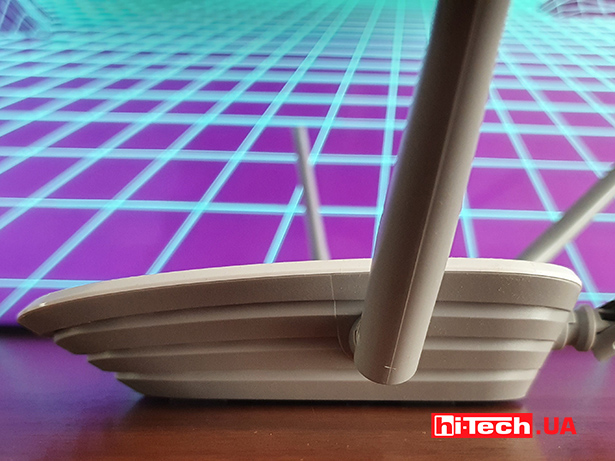
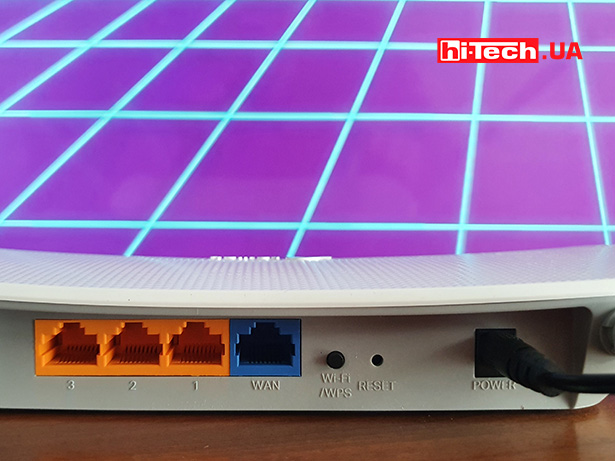
The router is equipped with the usual set of ports – three LAN, one WAN with a maximum speed of 1 Gbit/sec. There is a WPS quick access button, and the Reset button in this model is recessed inside so as not to reset the settings accidentally. Previously, this was a common thing, but now we would attribute it to the features of the device.
The model belongs to the AC1200 class, offering respectively a total wireless speed of 1200 Mbit/s – 300 Mbit/s for the 2.4 GHz band and 867 Mbit/s in two 5 GHz bands.

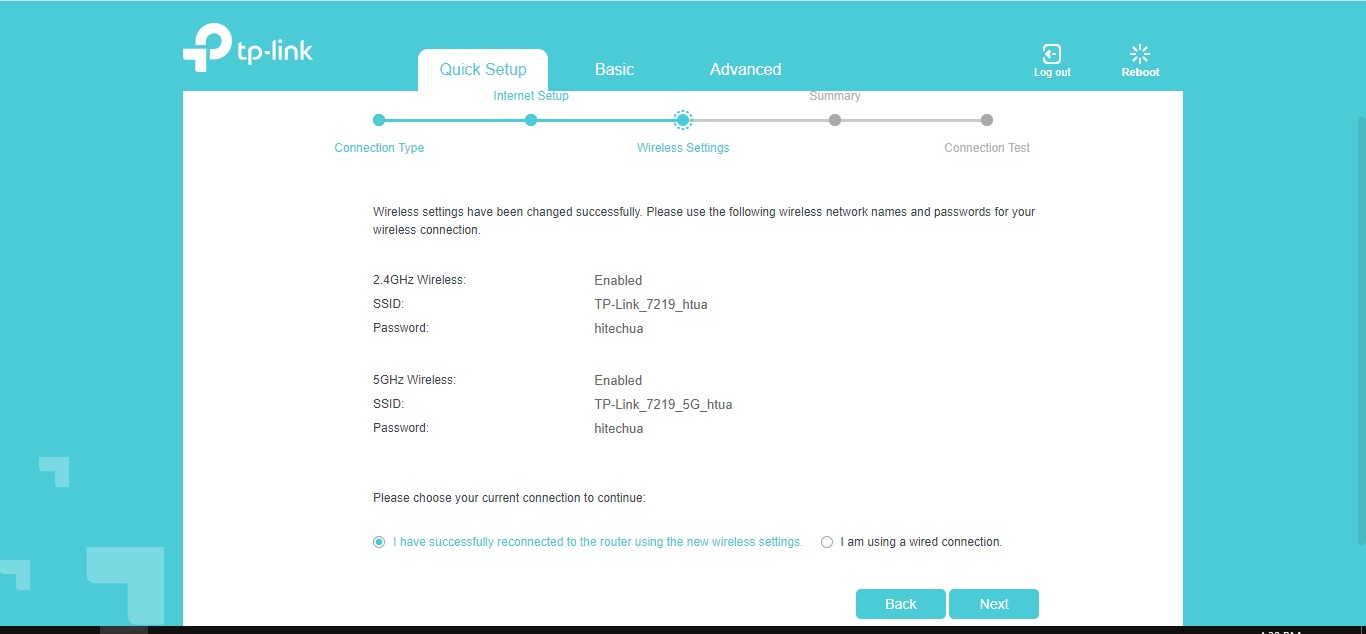
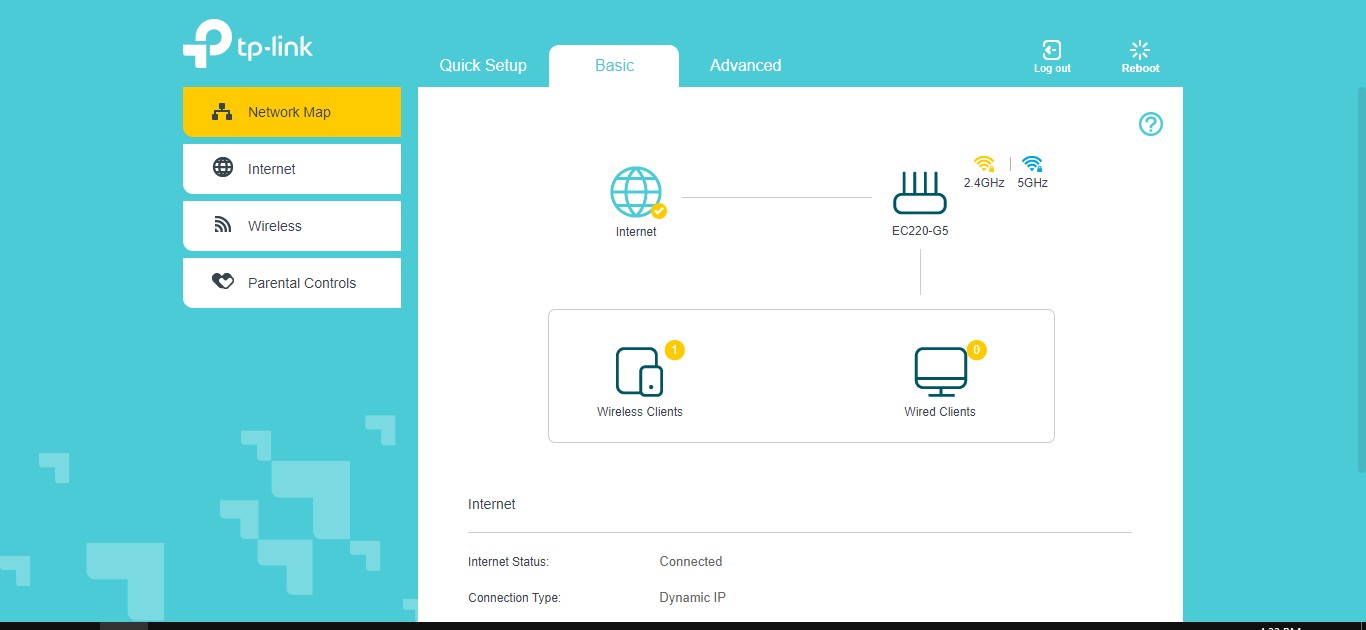
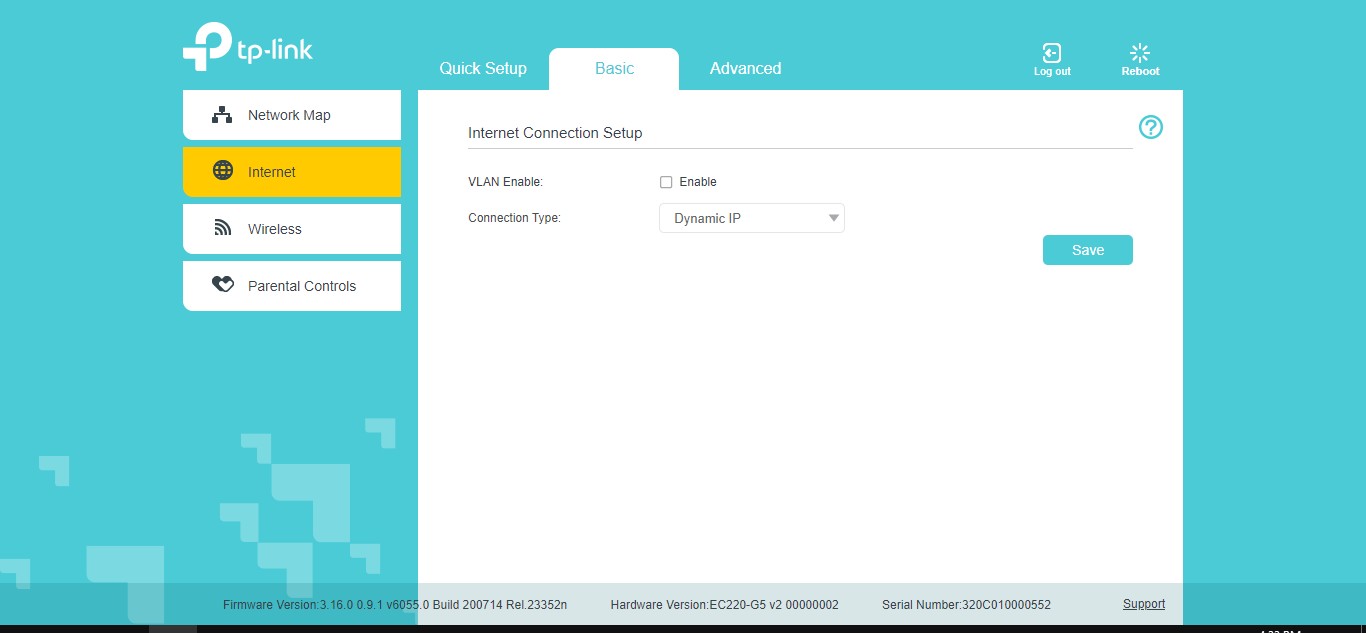
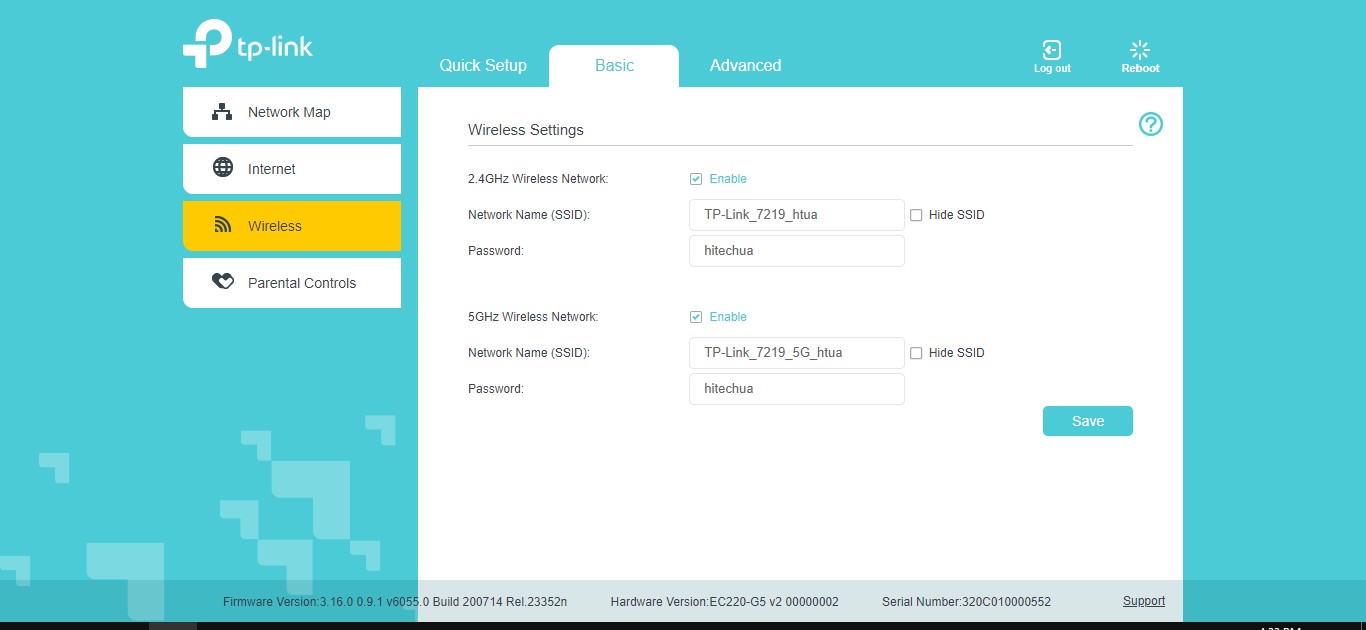
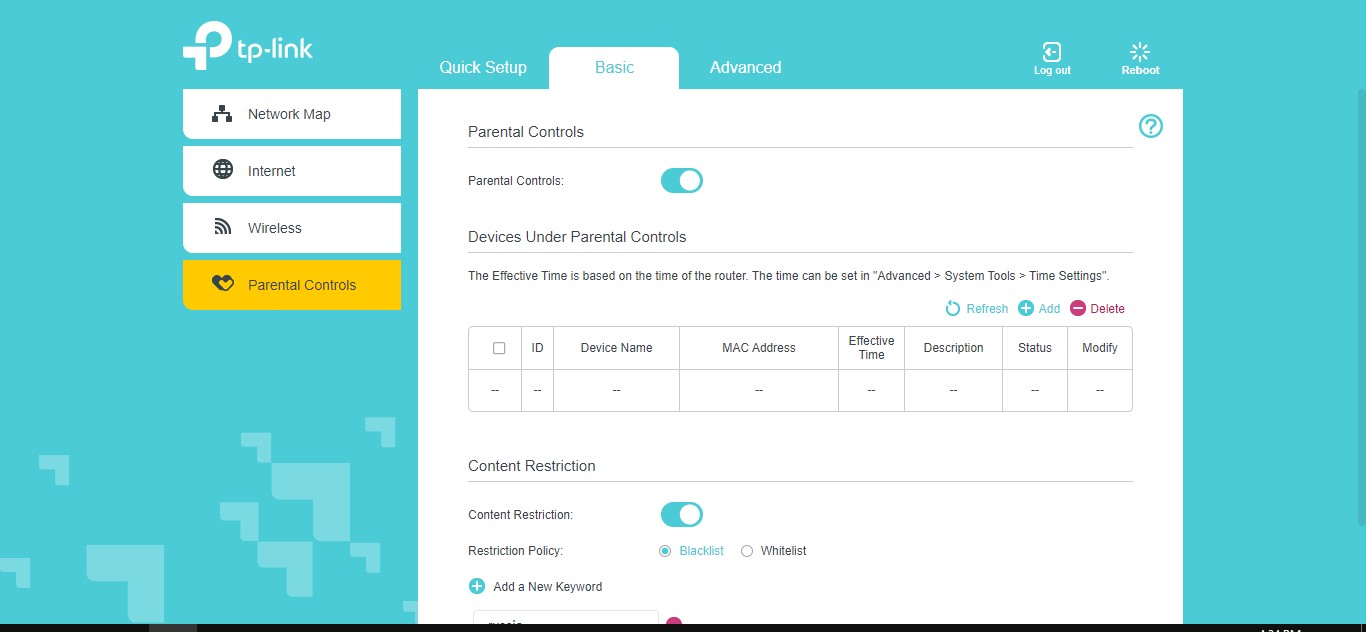
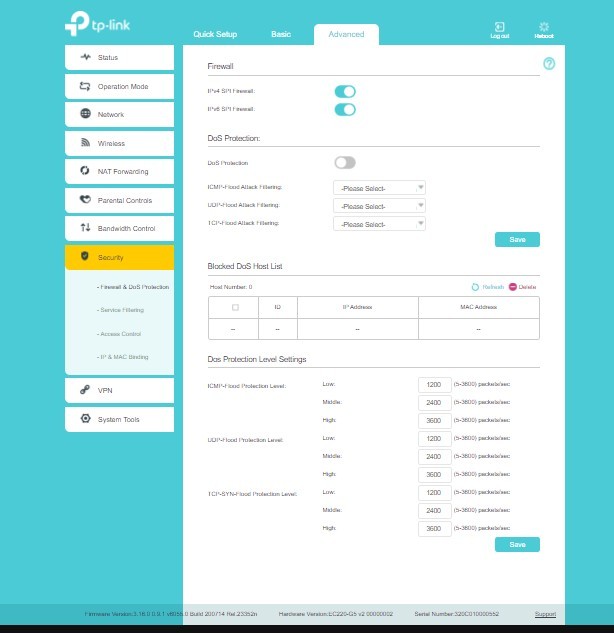
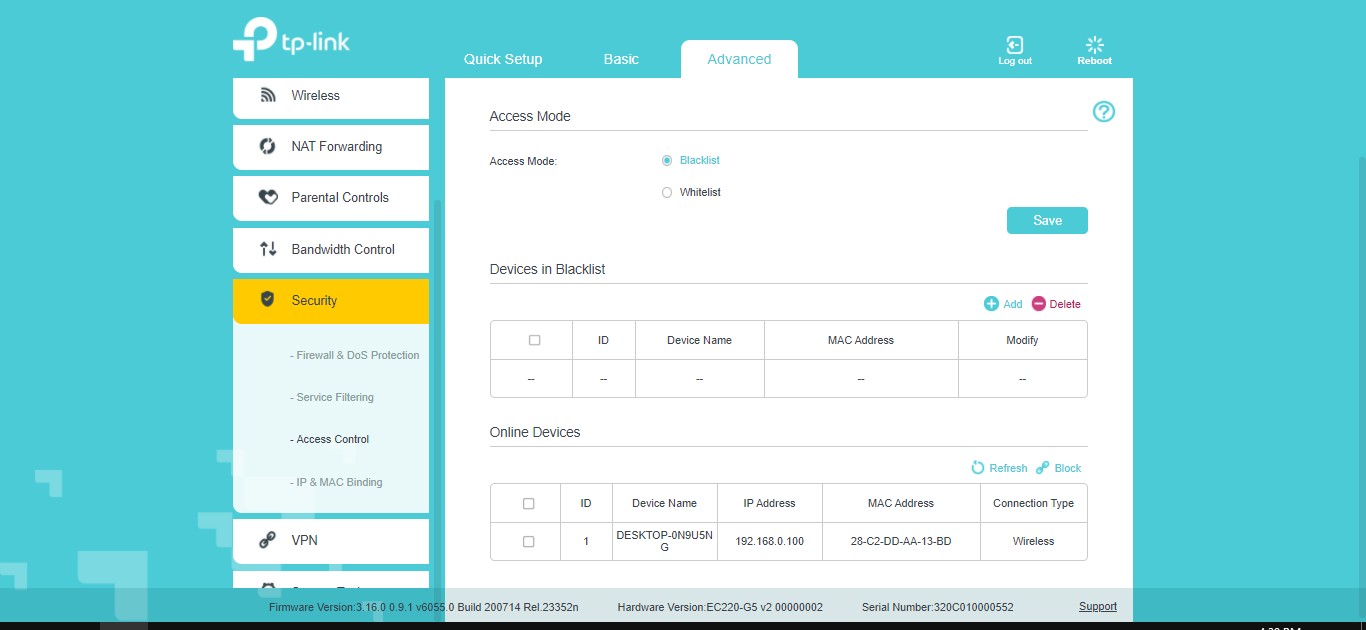
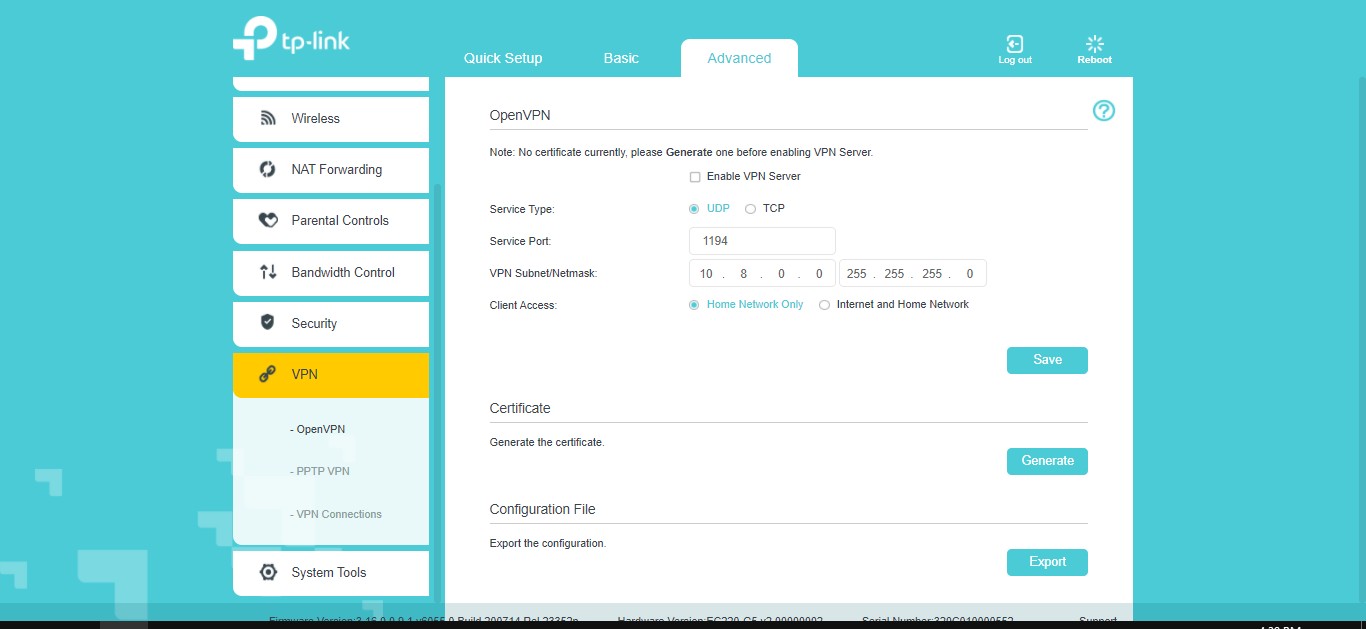
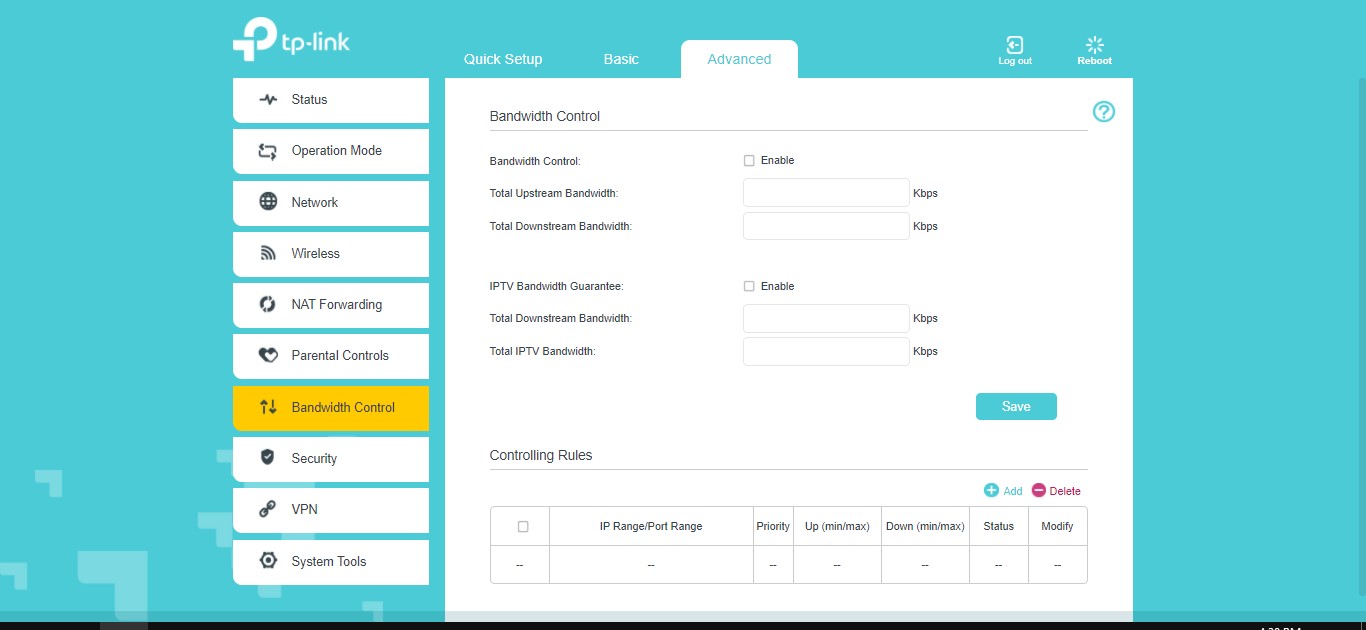
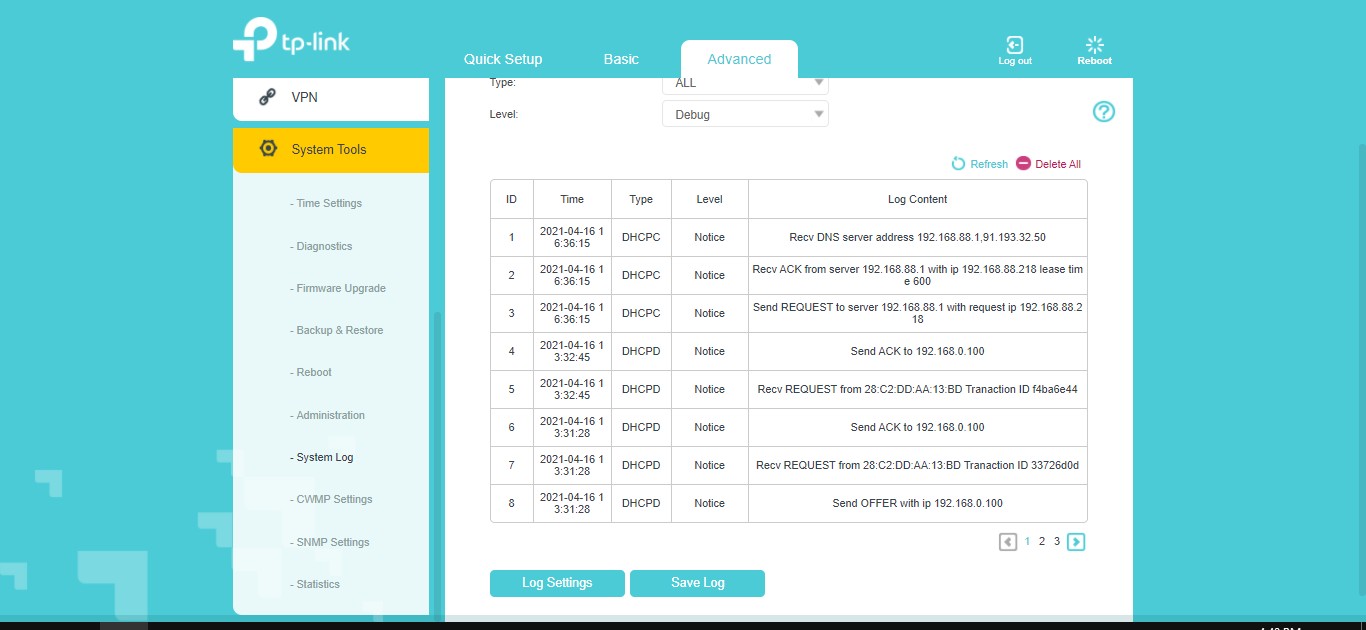
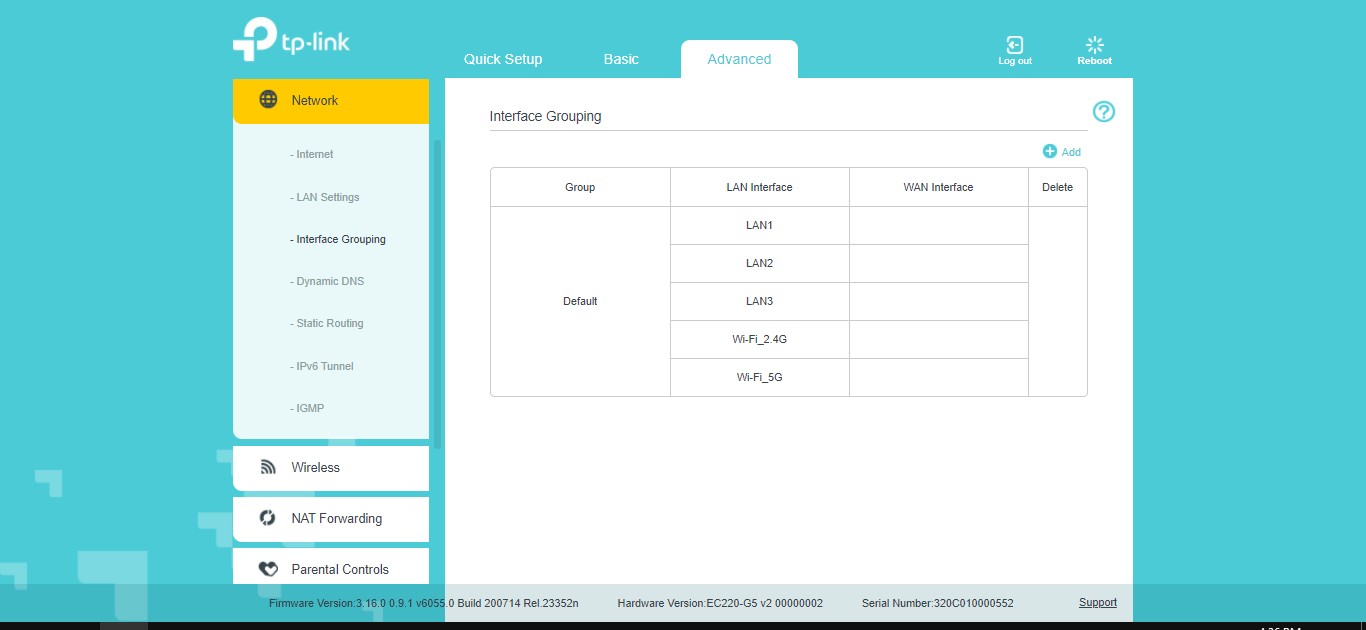
The end user can configure the router either through the interface in a desktop browser or through the TP-Link Tether mobile application. The user settings sections are no different from those for other TP-Link network devices that we’ve covered. You can create guest subnets, in particular two for the 5 GHz band, configure VPN and IP TV, activate parental controls by adding sites and keywords to the blocking or allowing lists. Separate sections are devoted to security, blocking DoS attacks, creating lists of trusted devices and monitoring the local network.
Opportunities for providers
Actually, what is hidden, at first glance, and is in a separate section of the admin panel, is support for the TR-069 protocol. It uses proprietary Agile ACS software, which allows you to remotely configure the device. For example, you can start the process of updating the firmware of all user/client routers, set certain restrictions on them, change settings, partition availability, design, and so on. In the consolidated interface, you can also see the statuses of devices in the provider’s network and view the settings of each individually.
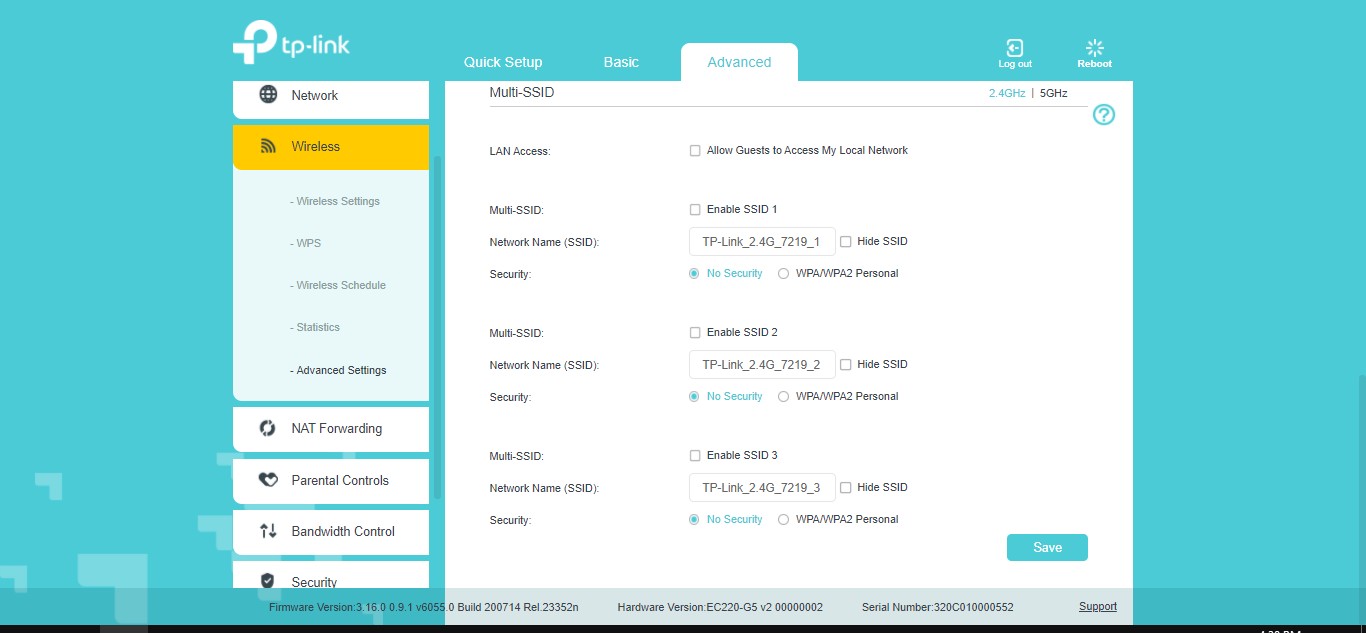
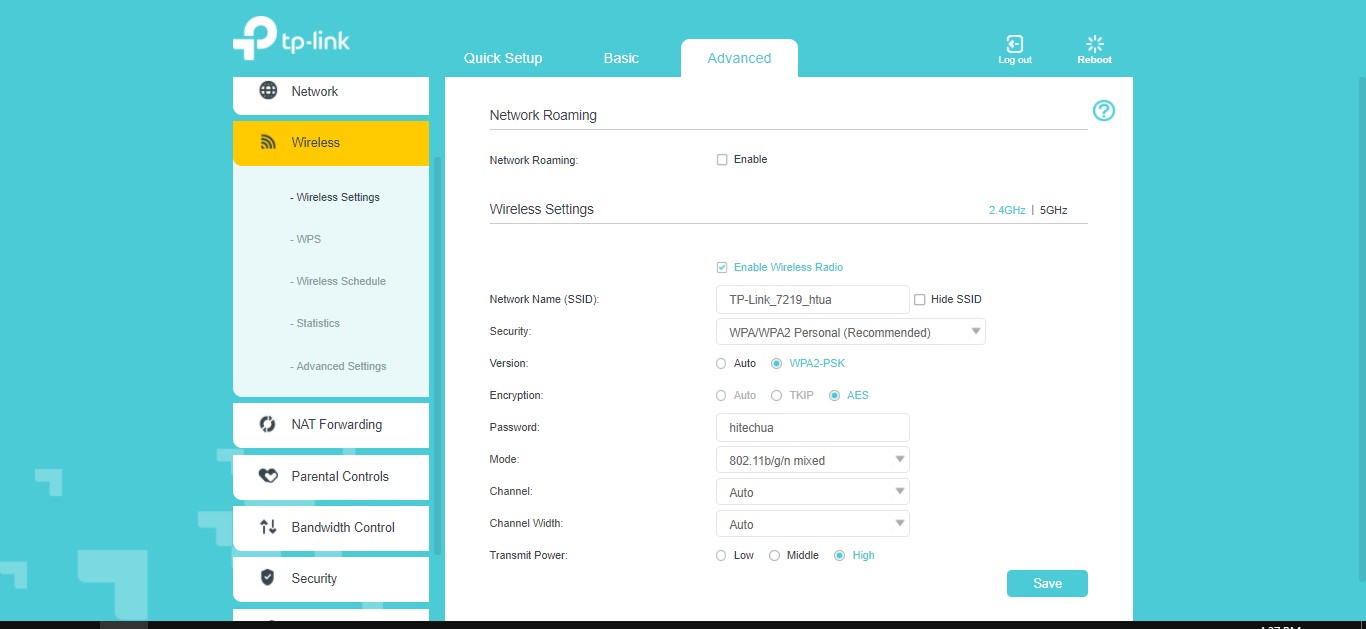
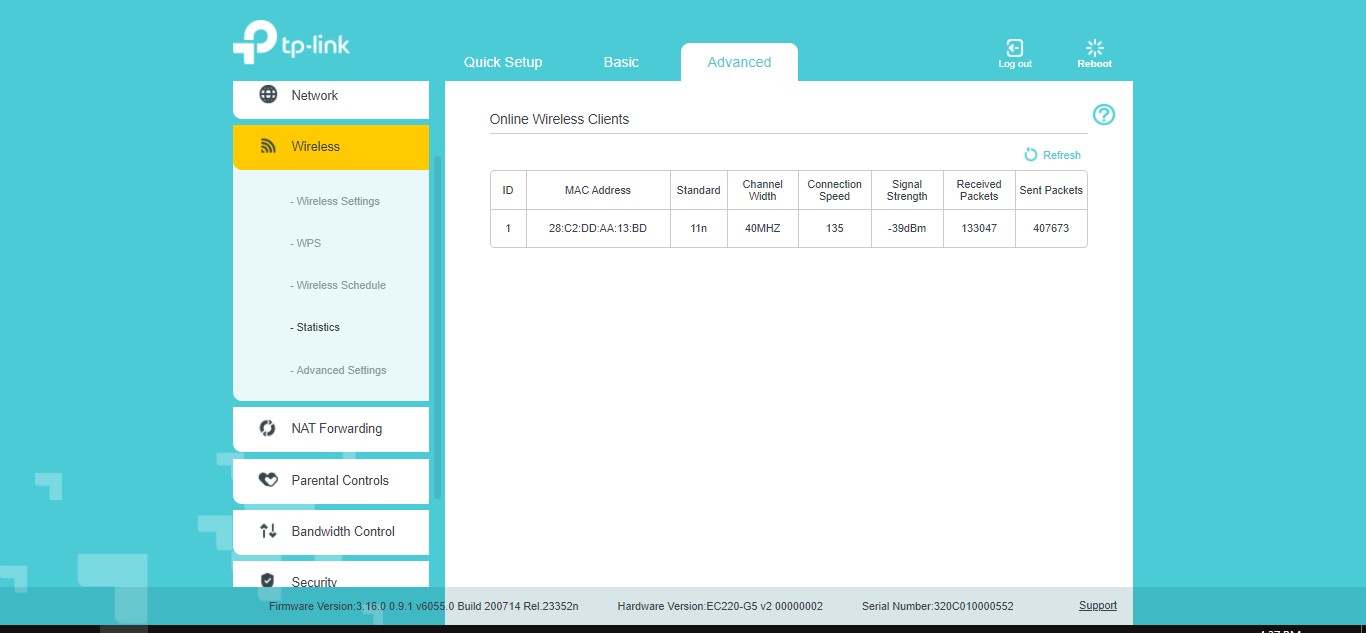
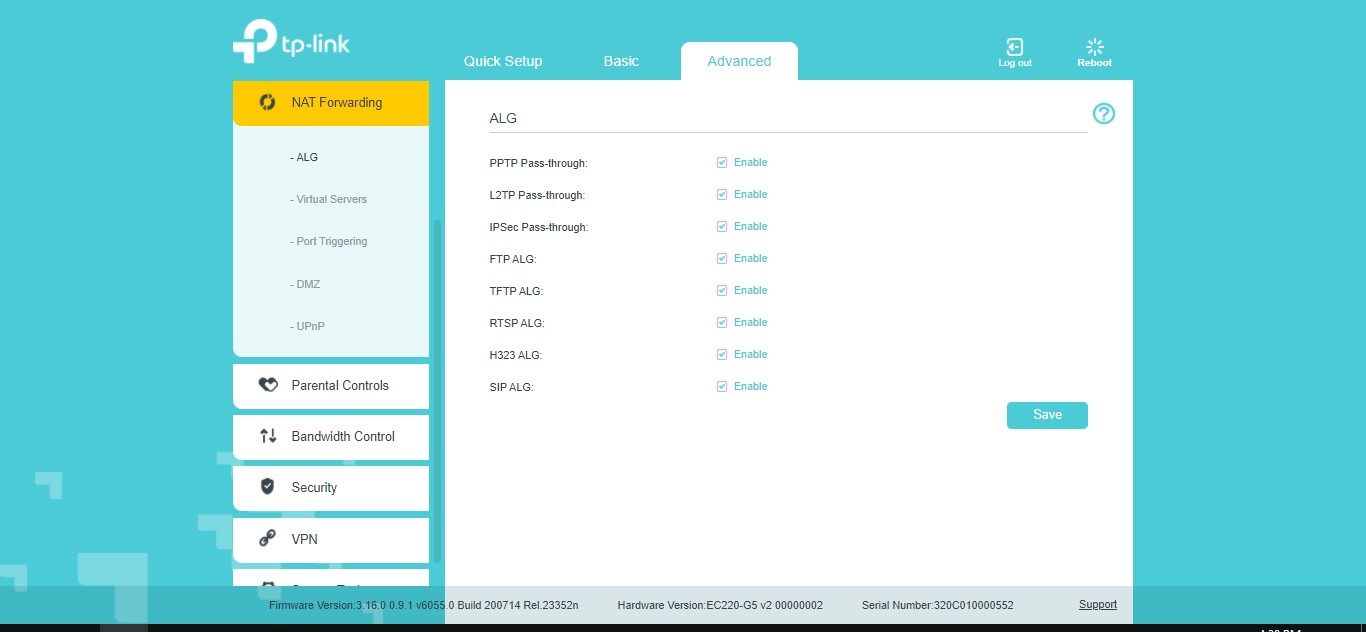
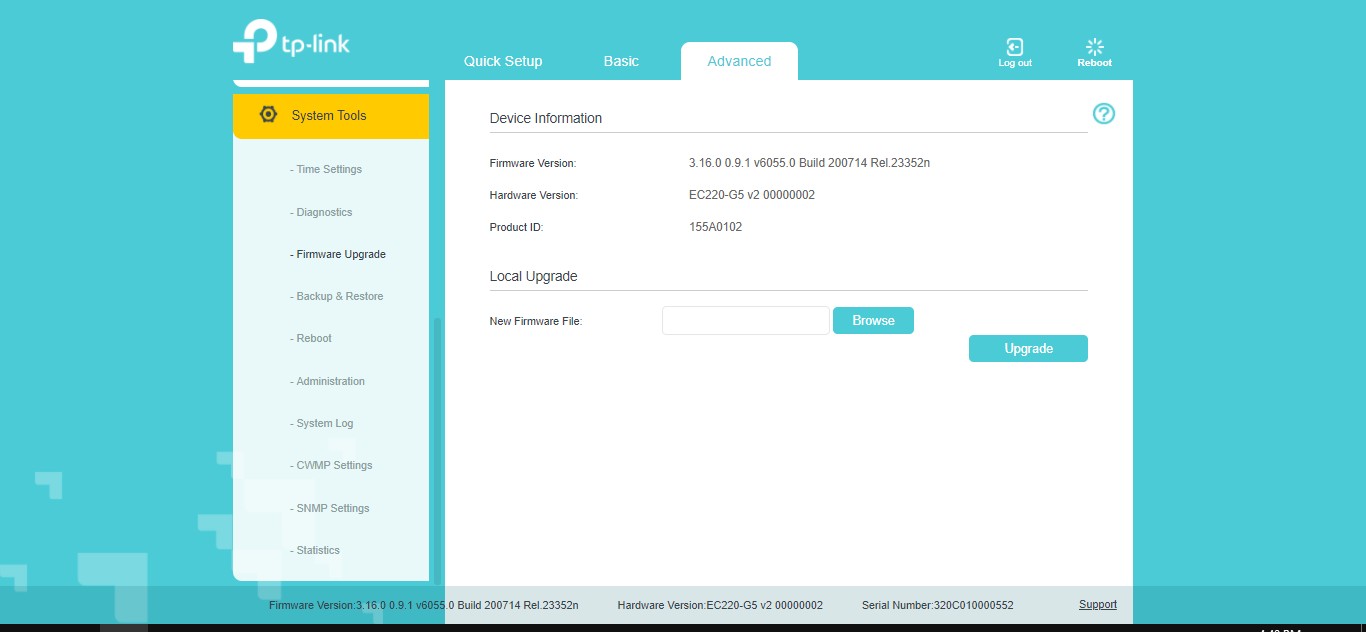
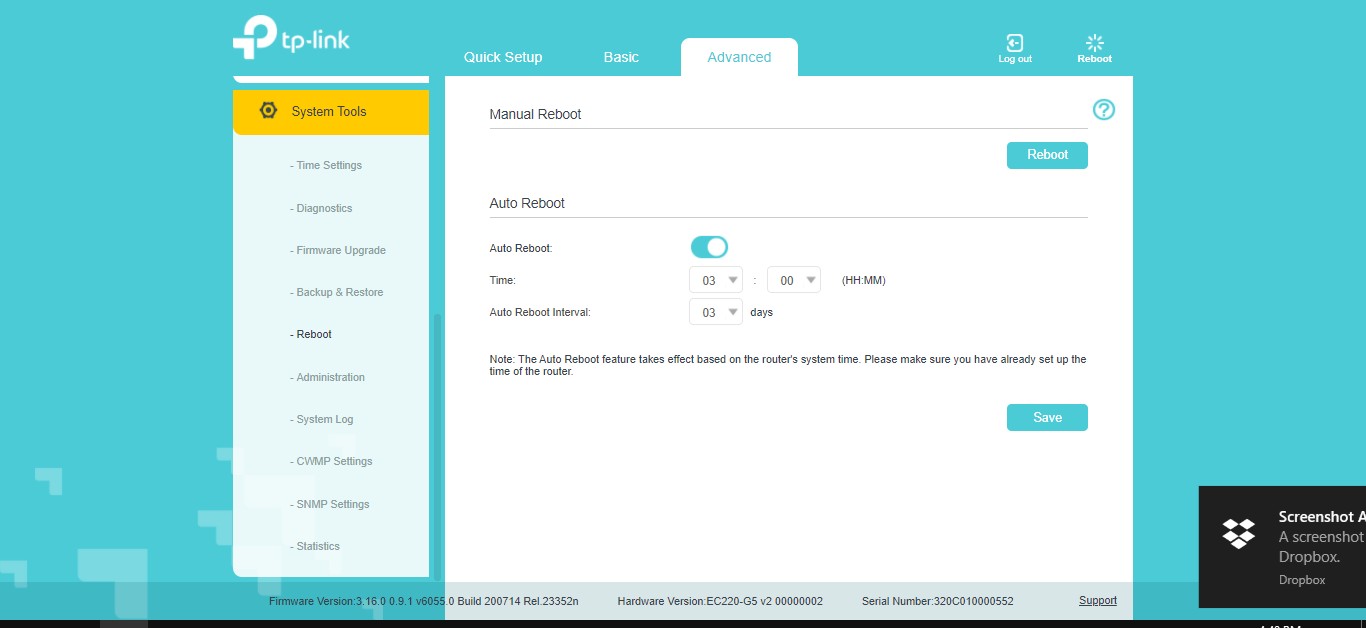
Support for Agile Config is also implemented. This is a solution for providers serving neighborhoods or several houses, who have a relatively small number of routers in their networks and for whom it is not profitable to buy an Agile ACS license. Agile Config allows ISPs to customize default configurations and retain those settings even after devices are rebooted.
Using it, you can change the SSID, WAN connection type, password, time zone and language. You can set general settings for all TP-Link routers or make personal settings for each router.
Thus, some devices for providers have received expanded capabilities for configuration and factory customization. The TP-Link EC220-G5 under review, as well as several other models (Archer C5 V4, TL-WR850N and Archer C20(ISP)) allow centralized configuration using software from TP-Link. Supplier companies will be able to provide access to broadband Internet and the rapid implementation of additional services with their further support.
CharacteristicsTP–Link EC220G5 |
|
| Wireless standard: | Wi-Fi 5 (IEEE 802.11b/g/n/ac) |
| Frequency range: | 2.4 GHz, 5 GHz |
| Baud rate: | 5 GHz: 867 Mbit/s
2.4 GHz: 300 Mbps |
| Ports: | 3xLAN 1000 Mbit/s, 1xLAN 1000 Mbit/s |
| Number of antennas: | 4 |
| Encryption: | 64/128 bit WPA,WPA2 |
| Security: | DoS, SPI firewall, IP address filter, IP and MAC address binding, parental control |
| Protocols: | IPv4, IPv6 |
| DHCP: | server, client, list of clients, address reservation |
| Port forwarding: | virtual server, auto-port forwarding, DMZ, UPnP |
| WPS: | yes |
| VPN: | OpenVPN, PPTP |
| Processor: | 1.5 GHz |
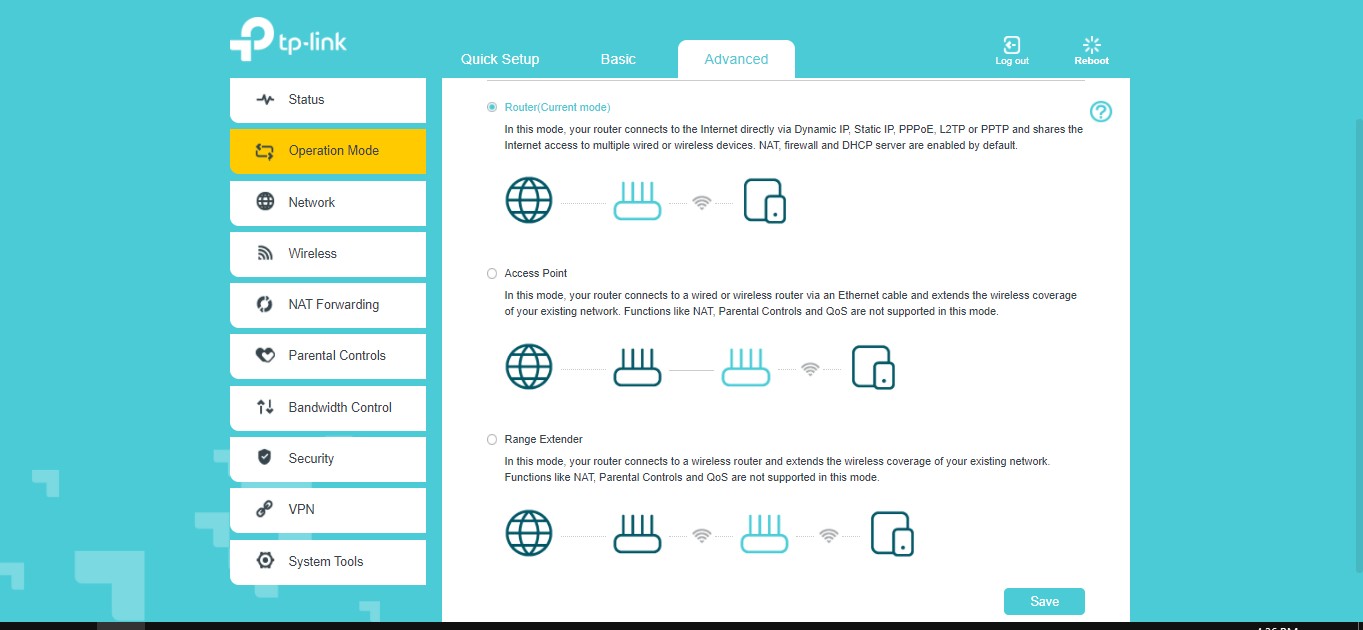
| Operating modes: | Router, access point |
| Control: | TR-069, TR-098, TR-111 |
| USB port: | no |
| Supplier: | TP-Link representative office in Ukraine |
| Dimensions: | 230x144x37 mm |
| Price: | 999 UAH |
Rating:
+ ergonomic body
+ configuration via browser and application
+ support for remote administration


Don't miss interesting news
Subscribe to our channels and read announcements of high-tech news, tes





Samsung Galaxy Fold7: not a smartphone, not a tablet, something more
 0
0 
Samsung Galaxy Fold series of smartphones is notable for its folding design and large display. The new generation model had an even larger screen, advanced cameras, stronger hardware and improved ergonomics.
NVIDIA Blackwell – architecture with new capabilities for AI and content creation
0 
NVIDIA technologies that were previously only available to owners of professional graphics cards are now open to ordinary users. Let’s talk about the capabilities of the Blackwell architecture in the field of artificial intelligence and content creation.
Garmin Instinct Crossover – hybrid smartwatch costs $600 with AMOLED screen, flashlight and sapphire glass smart watches

Garmin Instinct Crossover has a 1.2-inch AMOLED display with RevoDrive analog hands covered with Super-LumiNova luminescent compound.
New EcoFlow with 288 Wh capacity weigh less than 3 kilograms accumulator

EcoFlow has introduced a new line of portable charging stations in Europe, the Trail series. This device has already been on sale in the US