In the previous smartphone camera test, where we compared the Samsung Galaxy S5 and HTC One (M8), you could see how much attention manufacturers today pay to the photo and video capabilities of their devices. The shooting quality of flagships in some aspects already completely surpasses the quality provided by entry-level cameras, but in terms of processing capabilities, effects and a set of interesting functions, they already easily outperform traditional point-and-shoot cameras.
This time we compare the photo and video capabilities of the Samsung Galaxy S5 and LG G3. This test does not include the familiar HTC One (M8), since the LG G3 reached us after we had already given away the HTC.
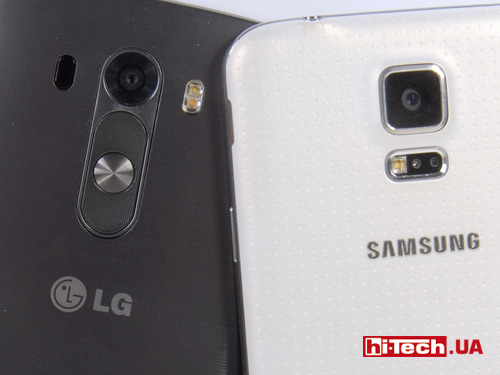
The LG G3 matrix has a resolution of 13 megapixels. The matrix size is 1/3”, a fairly typical value for smartphone cameras. The lens aperture is F: 2.4. For comparison, the Galaxy S5 matrix is slightly larger (size 1/2.5”), and the lens aperture is slightly higher (F: 2.2). The resolution of the Galaxy S5 matrix is also higher and is 16 megapixels. By the way, in the S5, 16-megapixel frames have an aspect ratio of 16:9, and in the G3, 13-megapixel frames have an aspect ratio of 4:3. By default, the LG G3 is set to a 16:9 aspect ratio with a 10-megapixel resolution. (in fact, the 4:3 frame is “cropped” at the top and bottom, resulting in a decrease in resolution).
The Galaxy S5 lens also has a slightly wider field of view (more horizontally fits into the frame).
Judging only by these parameters, the advantage in terms of shooting quality should be on the side of the Galaxy S5. Whether this is so, we will find out further in the comparative photographs. The LG G3’s trump cards include the presence of optical image stabilization, while the Galaxy S5 has only electronic stabilization.
The LG G3 uses an interesting laser autofocus system. In addition to the usual contrast method for determining focus, a special system has been added that sends infrared rays to determine the distance to the object. It is difficult to say exactly what contribution this system makes; the manufacturer claims very fast autofocus speed. For our part, we are ready to confirm this: autofocus is indeed very fast, but, subjectively, we would not say that the LG G3 focuses faster than the Samsung Galaxy S5 or HTC One (M8). By the way, autofocus in the Galaxy S5 is also not easy. It is hybrid using phase detection autofocus sensors.


- Camera control interface in LG G3
After using the cameras of the Samsung Galaxy S5 and HTC One (M8) (see
details), the camera mode in the LG G3 causes some bewilderment at the rather modest set of settings. It seems that you open another tab, and there will be a complete set – but this is not the case. For example, you can’t even make exposure compensation, let alone manually select ISO sensitivity. Some reviews call this ease of use, but we think some users would benefit from a richer set of options.
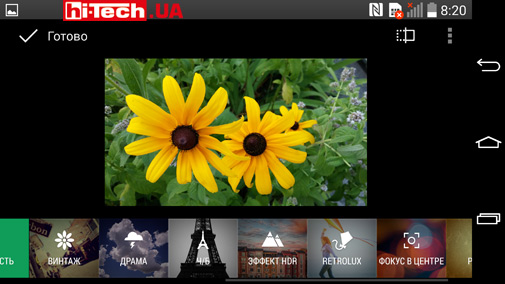
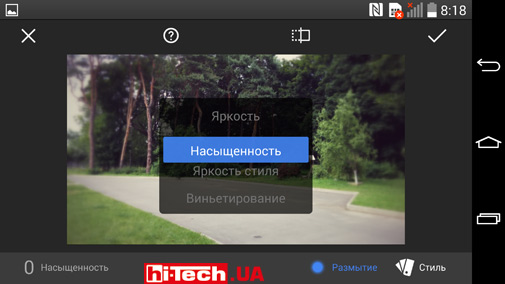
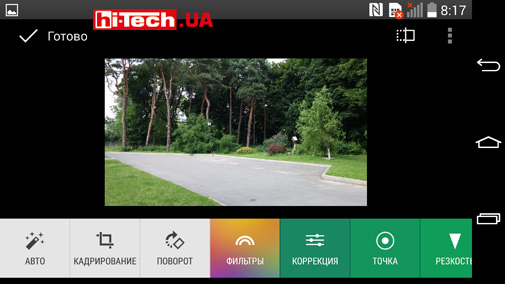
In terms of processing finished photographs (adding various effects, adjusting shades, adding blur, etc.), the LG G3 is prepared well, there is something to “play with”. We especially note the “Magic Focus” mode. This mode is something similar to focus bracketing. A series of shots are taken, focusing at different distances, and then you can select a shot that focuses on the part of the frame that interests you. Such solutions have not been seen before. If desired, you can expand the depth of field (depth of field of image space – depth of field) in the frame. The camera will “collect” all in-focus areas from different frames into one shot (All in focus button in the screenshot). The “Magic Focus” effect can be useful when shooting macro, because in this mode the depth of field is relatively small, and you can make a mistake and focus in the wrong direction when different objects are located almost at the same distance from the lens.

- Magic Focus effect LG G3
Serial shooting, shooting using two cameras at once, the main one and the front one to add the shooter’s face into the frame, HDR, taking pictures during video recording, panoramas – all this is present here, but competitors allow a little more. For example, the G3’s burst shooting doesn’t allow for special effects like the Galaxy S5 does. The LG G3 doesn’t even know how to automatically select the best shot from a series. The panorama is also normal; spherical panoramas are available in the Galaxy S5 and HTC One (M8). The Galaxy S5 allows you to expand the capabilities of the camera by downloading special applications; the LG G3 cannot boast of this either.
LG G3, like Samsung Galaxy S5, can shoot video in 4K format (resolution 3840×2160). The Galaxy S5 has the ability to shoot Full HD video at 60 fps; this format (1080p60) is not available in the LG G3. The devices can shoot slow-motion Slow Motion video. Although the output is videos with a resolution of 1280×720, you shouldn’t count on HD quality. Quite large pixels are noticeable in recordings from both smartphones in this mode. By the way, when playing videos from the LG G3 on a computer, and not on the smartphone itself, the Slow Motion effect does not work. The video simply plays back at the same speed as it was filmed.
In general, if we talk about the arsenal of capabilities associated with the camera without assessing the quality of the pictures, the Samsung Galaxy S5 looks richer in this regard.
In this review, we focus exclusively on the main (rear cameras), comparing recordings and videos obtained with these cameras, and not with the front cameras.
Examples of photos and videos taken with Samsung Galaxy S5 and LG G3 smartphones
To obtain comparative images, we did not use a tripod, which, of course, introduced some likelihood of blurry images, especially when shooting in low-light conditions, but it brought us closer to the actual usage model. Taking into account normal handheld shooting, as well as the fact that the camera lenses had different equivalent focal lengths (different viewing angles), in paired photographs you can sometimes notice slightly different framing, tilt angle, etc. For both smartphones, the automatic shooting mode was used. In the Samsung Galaxy S5, shooting was done with “image stabilization” activated. As we saw earlier, activating this mode greatly affects the quality of pictures taken in very low light. And we are not talking about the fight against “grease.”
Please note that on cropped images with 100% zoom, the image scale is different. This is due to the different resolution of the images of the two smartphones.
By clicking on the image, you can download original, non-reduced photographs. Captions indicating the cameras with which the frames were taken refer to the pictures under these captions
Taking photos in good lighting
1.Samsung Galaxy S5

- Section of the LG G3 frame with 100% zoom

- Section of the frame of the Samsung Galaxy S5 with 100% zoom
2. Samsung Galaxy S5

- Section of the LG G3 frame with 100% zoom

- Section of the frame of the Samsung Galaxy S5 with 100% zoom
In good lighting conditions, the detail of the images is similar, perhaps with a slight advantage for the Samsung Galaxy S5. But we noticed some peculiarity: in the light areas of the frame, the LG G3 can “eat up details” (example 2). Please note the address indicator. Only on the S5 are splashes of dirt noticeable
3. Samsung Galaxy S5

- Section of the LG G3 frame with 100% zoom
Unexpected situation. If in other examples with normal lighting the quality of the S5 and G3 images was comparable, then the G3 unexpectedly “sagged” and you can see a clear advantage on Samsung’s side
Photographing against the sun
In backlit conditions, both cameras performed quite well. It’s difficult to give preference
Photography in low light
5. Samsung Galaxy S5

- Section of the LG G3 frame with 100% zoom

- Section of the frame of the Samsung Galaxy S5 with 100% zoom
6. Samsung Galaxy S5

- Section of the LG G3 frame with 100% zoom
7. Samsung Galaxy S5

- Section of the LG G3 frame with 100% zoom
8. Samsung Galaxy S5

- Section of the LG G3 frame with 100% zoom
9. Samsung Galaxy S5

- Section of the LG G3 frame with 100% zoom

- Section of the frame of the Samsung Galaxy S5 with 100% zoom
In low-light images, you can notice a different approach to noise reduction in the frames. Often, the LG G3 suppresses noise more actively, sometimes leaving a rather blurry picture. In the frames of the Samsung Galaxy S5, it is noticeable that noise reduction is not used so aggressively. This leads to different results in different situations. In example 6, the S5 frames look better, but in examples 7, 8. Pay attention to example 9: here, too, the shooting conditions are far from ideal, and the frame obtained by G3 is more detailed
Macro
When shooting macro, the scale of the resulting images is approximately the same with a slight advantage on the side of the LG G3
As previously with the HTC One (M8), the LG G3 smartphone has an unpleasant feature when shooting macro. Even if you bring the camera too close to the subject, when the focusing system can no longer cope, the device still provides a graphic and audio signal that everything is in order with focus. As a result, you have to control the threshold when the image appears clear on the screen itself, and this is not always convenient
Applying the HDR effect
In both devices, the high dynamic range (HDR) mode is often useful. In scenes with a large difference in brightness, it helps to “highlight” image details in underlit areas or “bring out” them in overexposed areas of the image. In both the LG G3 and the Samsung Galaxy S5, the mode works quite correctly, without the “cartoon” effects that are far from reality, which you often get when you experiment with HDR photos on your own.
We did not notice any noticeable difference in the dynamic range of the cameras.
11. Samsung Galaxy S5. Without HDR
11. Samsung Galaxy S5. With HDR
12. Samsung Galaxy S5. Without HDR
With HDR
Comparison of image stabilization systems for video shooting: optical in LG G3 and electronic in Samsung Galaxy S5. The optical stabilization system in the LG G3 provides the best results. By the way, this system in G3 cannot be disabled if desired..
Despite the more powerful characteristics (matrix size, aperture ratio), when assessing the quality of pictures and videos of the LG G3 and Samsung Galaxy S5, it is difficult to single out a clear favorite. Often the difference is in the nuances. We invite you to compare the results yourself using the examples provided. In good lighting, the S5 has a slight advantage, in our opinion. Due to its better aperture and larger sensor, the S5 is able to provide a slightly shallower depth of field (more blur), meaning “natural” optical blur rather than post-processing blur effects.
When photographing in low light, I often like the G3’s performance better.
The optical stabilization system in the LG G3 does a better job than the electronic stabilization system in the S5 when shooting video. By the way, when viewing it in detail on a computer, it turned out that several pictures of the S5 were slightly blurred. Let us remind you that the shooting was done handheld. There is no point in drawing clear conclusions from this; it could have been just an accident, and we only took a few dozen pictures with both cameras.
But if we talk about the set of various parameters, additional functions and effects, which are often very useful, then the Samsung Galaxy S5 definitely looks stronger.
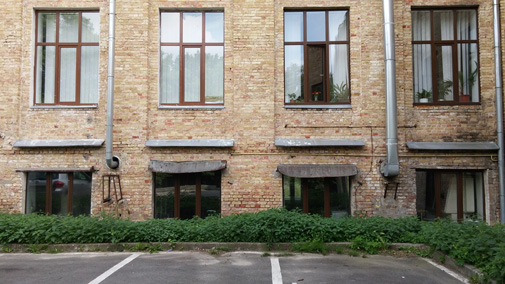
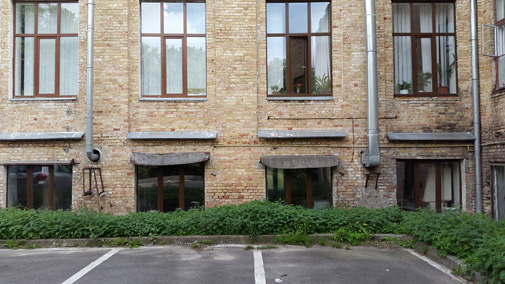
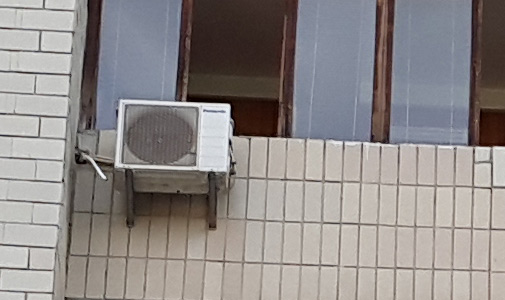
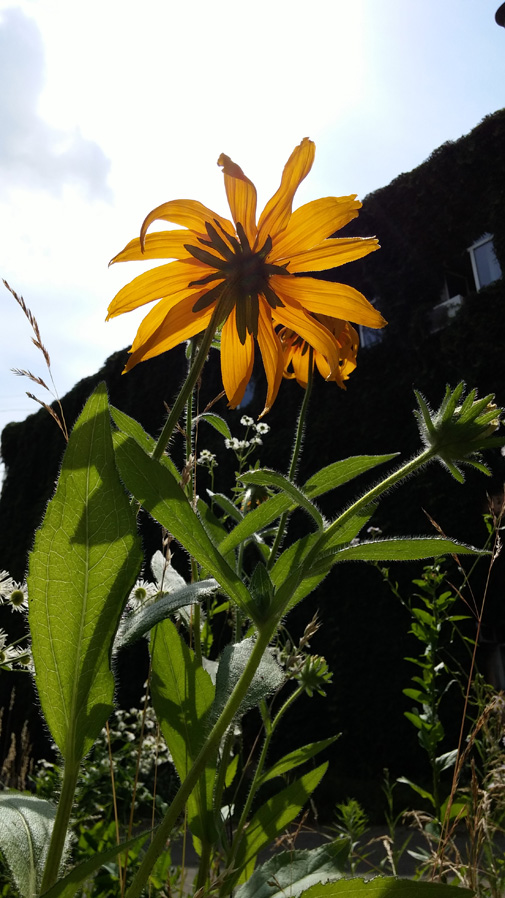
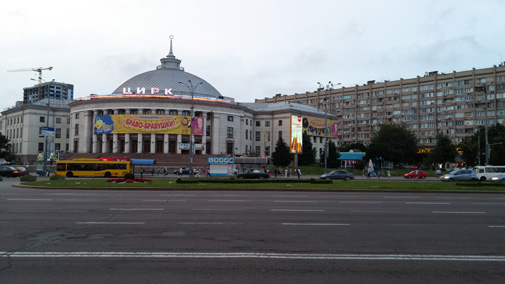
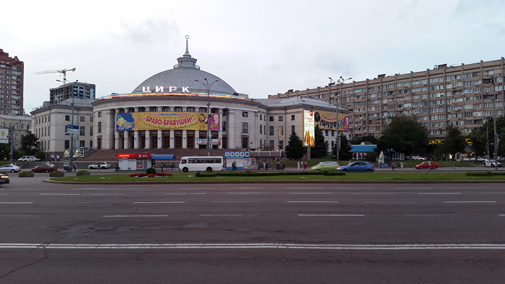
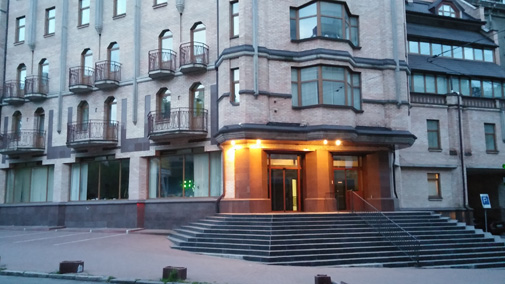
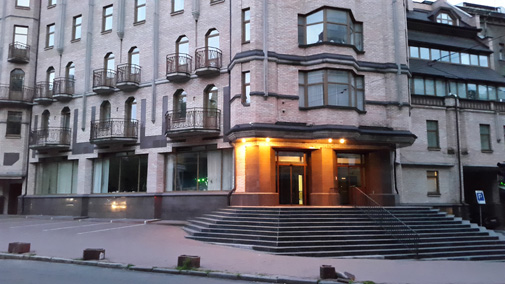
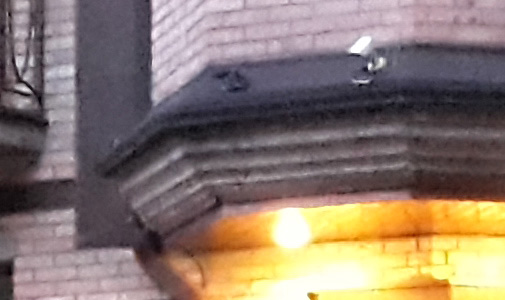
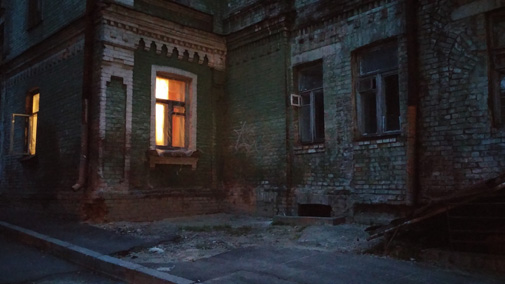
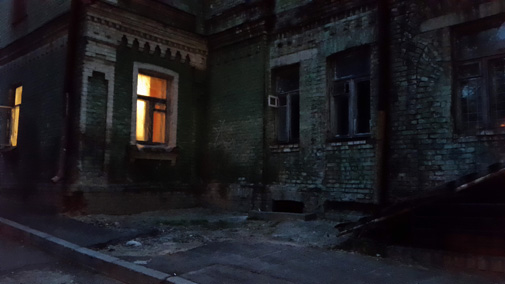
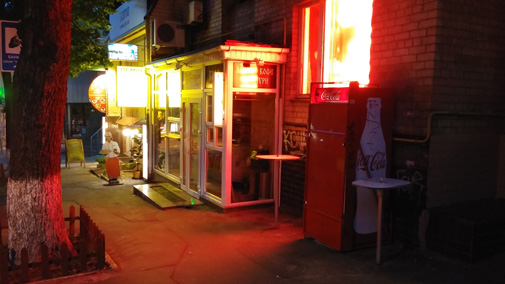
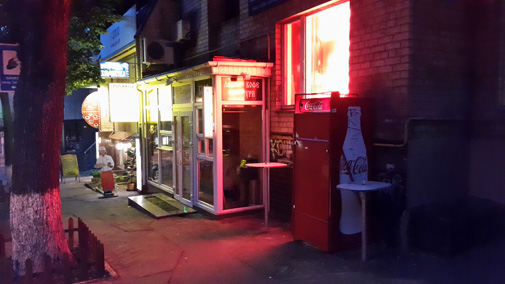
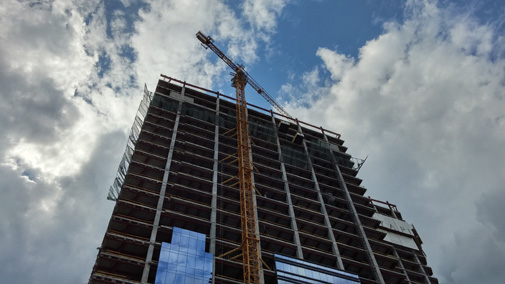
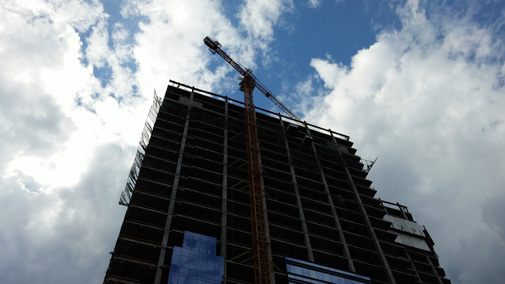
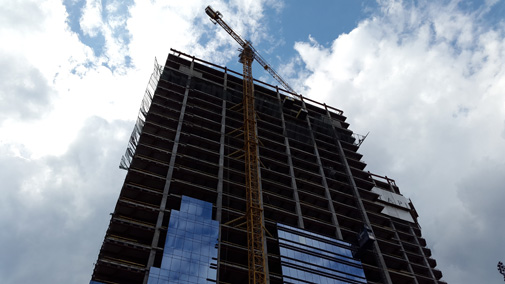
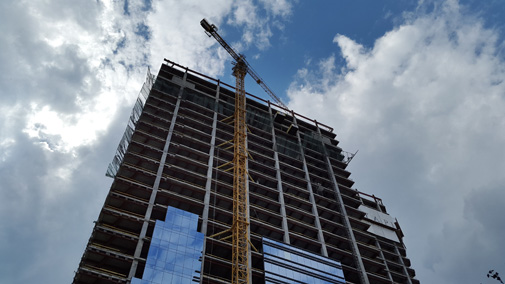
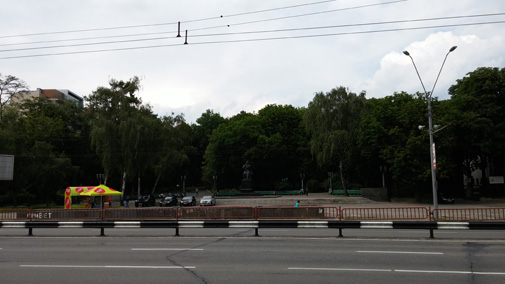
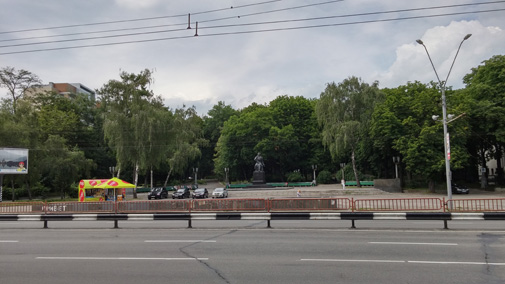
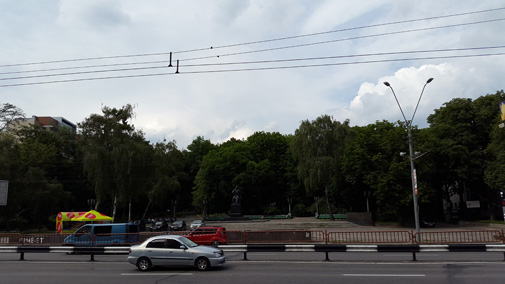
More examples for comparison. Click on the thumbnail to download the original photo. In pairs, the left pictures are LG G3, the right ones are Samsung Galaxy S5.


 11,714


































 0
0